
How to Install Handbrake 1.0.3 via PPA in Ubuntu:
The new release has been made into the official handbrake PPA, available for Ubuntu 14.04, Ubuntu 16.04, Ubuntu 16.10, and Linux Mint 17 & 18.
1. To add the PPA, open terminal (Ctrl+Alt+T) and run command:
sudo add-apt-repository ppa:stebbins/handbrake-releasesType your password (no visual feedback) when it prompts and hit Enter.
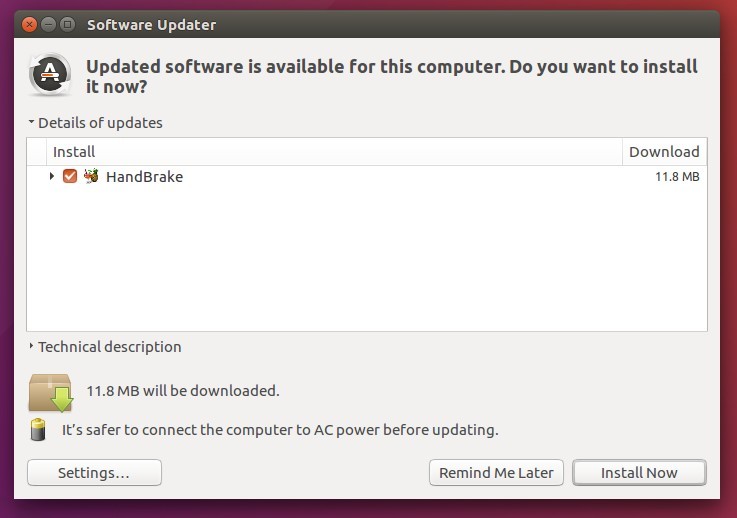
2. After that, launch Software Updater and upgrade handbrake from a previous release after checking for updates:
Or install / upgrade handbrake either via Synaptic Package Manager or by running commands:
sudo apt update
sudo apt install handbrake-gtkUninstall:
To remove handbrake, either use Synaptic Package Manager or run command:
sudo apt remove handbrake-gtk && sudo apt autoremoveTo remove the PPA repository, go to Software & Updater -> Other Software tab.

Source: HandBrake 1.0.3 Released! How to Install it in Ubuntu – Tips on Ubuntu
 AhmedShimi